Industrial Panel PC Buying Guide 2026: How to Choose the Right IPC for Your Project
Industrial Panel PCs (IPCs) are widely used in manufacturing, smart lockers, kiosks, healthcare, and automation systems. Unlike consumer devices, industrial panel PCs are designed for stability, durability, and long-term operation in demanding environments.
However, choosing the right IPC is not always straightforward. Different applications require different specifications, and selecting the wrong configuration can lead to performance issues, compatibility problems, and higher maintenance costs.
This guide will help you understand the key factors to consider when selecting an industrial panel PC in 2026.
What Is an Industrial Panel PC?
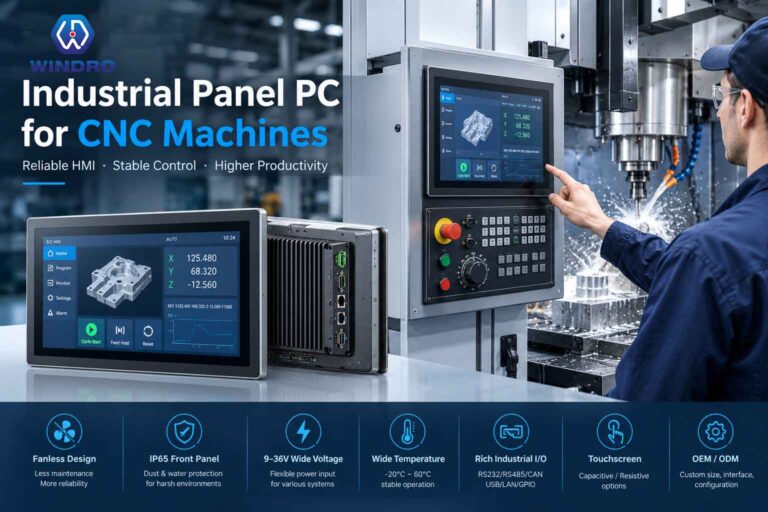
An industrial panel PC is an all-in-one computing device that integrates a display and a computer into a single unit. It is designed for embedded applications and continuous operation.
Compared to consumer tablets or standard PCs, industrial panel PCs offer:
- 24/7 stable operation
- Rugged design for harsh environments
- Flexible mounting options (embedded, wall-mounted, desktop)
- Long product lifecycle and stable supply
Manufacturers like WINDRO focus on delivering industrial-grade IPC solutions with high reliability and flexible customization for different industries.
Key Factors to Consider When Choosing an Industrial Panel PC
1. Screen Size (5” to 110” Customizable)
Screen size is one of the most important factors and should be selected based on the application:
- 5”–10.1” → Compact devices, handheld systems, embedded control panels
- 10.1”–21.5” → Smart lockers, kiosks, HMI systems
- 21.5”–43” → Retail, self-service terminals, medical displays
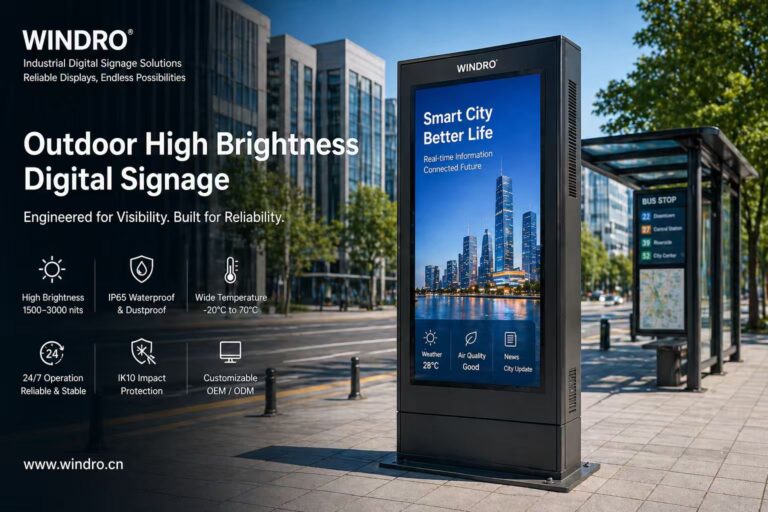
- 43”–110” → Large-format displays, industrial dashboards, digital signage integration
Flexible manufacturers like WINDRO support a wide range of sizes from 5 inches up to 110 inches, enabling seamless integration into various equipment and enclosures.
2. CPU Performance (Intel / AMD / ARM / Raspberry Pi)
The choice of processor determines performance and compatibility:
- Intel (N100, J6412, i3/i5/i7)
Ideal for Windows-based systems and high-performance applications - AMD Processors
Suitable for graphics-intensive or multi-tasking environments - ARM / Rockchip
Energy-efficient, commonly used with Android systems - Raspberry Pi Solutions
Cost-effective and flexible for lightweight applications and IoT integration
Choosing the right CPU depends on your software requirements, operating system, and workload.
3. Operating System Compatibility
Industrial panel PCs typically support multiple operating systems:
- Windows → Industrial control, enterprise systems
- Linux → Stable and customizable environments
- Android → Kiosks, digital signage, smart retail
Multi-OS support ensures flexibility across different projects.
4. Interfaces & Connectivity (Fully Customizable)
Interfaces are critical for connecting peripherals and industrial equipment. A reliable IPC should support a wide range of I/O options:
- Video Interfaces: HDMI, DP, VGA
- USB Ports: USB 2.0 / 3.0 / Type-C
- Serial Ports: RS232, RS485
- Network: LAN (RJ45), optional WiFi / 4G / 5G
Customization is often essential. Manufacturers like WINDRO provide flexible interface configuration, allowing the IPC to match specific project requirements without external adapters.
5. Touch Technology
- Capacitive Touch
Smooth and responsive, ideal for modern user interfaces - Resistive Touch
Works with gloves and in harsh environments
Choosing the right touch type depends on the usage environment.
6. Mounting & Structural Design
Industrial panel PCs are often integrated into equipment or cabinets:
- Embedded mounting
- Wall mounting
- Desktop installation
Structural customization is critical for ensuring seamless installation. Some manufacturers offer custom enclosure design, allowing IPCs to fit perfectly into existing systems.
7. Environment & Durability
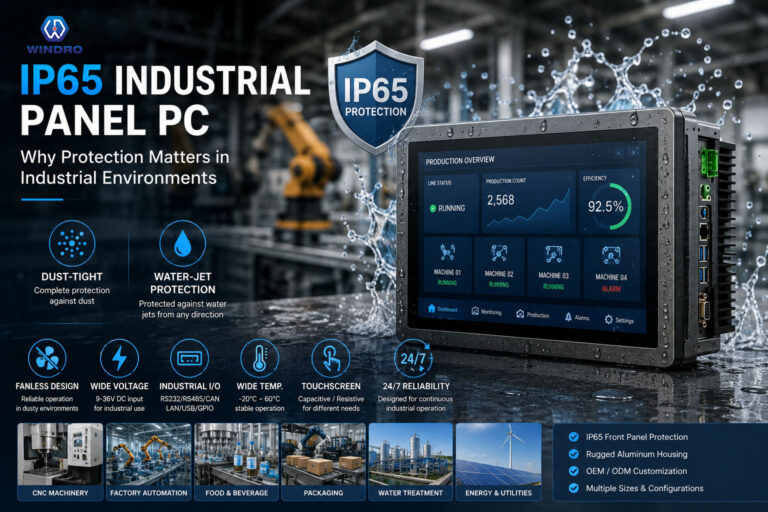
Industrial environments require higher protection levels:
- Wide temperature operation
- Dustproof and waterproof design
- Anti-vibration and anti-interference
These features ensure long-term reliability in harsh conditions.
Industrial Panel PC vs Consumer Devices
| Feature | Industrial Panel PC | Consumer Tablet / PC |
|---|---|---|
| Operation | 24/7 continuous | Not designed for long use |
| Durability | Rugged | Fragile |
| Customization | High | None |
| Interfaces | Rich I/O | Limited |
| Lifecycle | Long-term supply | Frequent updates |
For professional applications, industrial panel PCs provide significantly better stability and flexibility.
Common Mistakes to Avoid
When selecting an industrial panel PC, avoid these common mistakes:
- Choosing based on price alone
- Ignoring environmental conditions
- Overlooking interface requirements
- Selecting incorrect screen size
- Not considering future scalability
A well-planned selection can reduce long-term costs and improve system performance.
How to Choose the Right Supplier
Selecting the right supplier is just as important as choosing the product itself.
Look for manufacturers that offer:
- Strong customization capability
- Stable supply chain
- Technical support and long lifecycle products
- Experience in industrial applications
Companies like WINDRO are often chosen for projects that require flexibility, reliability, and tailored solutions, especially in kiosk systems, smart lockers, and industrial automation.
Conclusion
Choosing the right industrial panel PC requires careful consideration of screen size, CPU performance, interfaces, and environmental requirements.
As applications become more complex in 2026, flexibility and customization are becoming increasingly important. Working with an experienced manufacturer ensures that your IPC solution is not only reliable but also perfectly suited to your project needs.